
What is an 'Opportunity'?
Opportunities can simply be described as calls to action for students created by employers. This could include work experience applications, apprenticeship applications, events or any opportunity you can think of.
Your globalbridge package will have a set number of opportunity posts; this information can be found by contacting your account manager or raising a ticket in the Customer Portal.
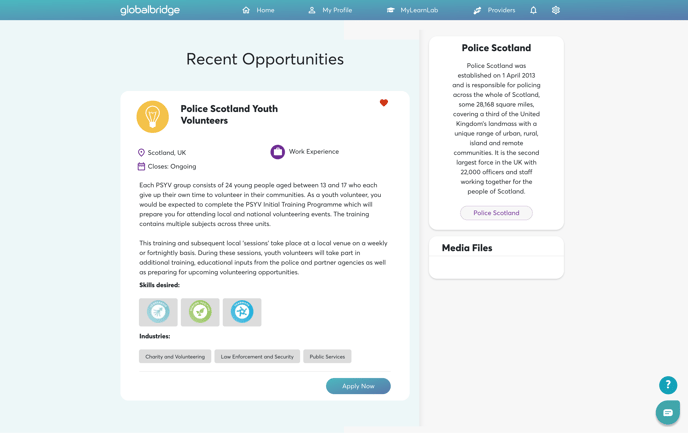
Here is an example of an opportunity posting on globalbridge
So, how do you post 'opportunities'?
This step is simple; you have two options: you can either fill out this form or you can email your account manager a copy of the application/event/opportunity.
We then take this information and make it palatable for the students through our creative team.
Once complete, we will send you a copy of the student-facing opportunity to review.